There are certain things we all know we should do: change the oil every 3,000 miles, choose different passwords for every online login, and back up our computers. Though I know better, I sometimes get to 5,000 miles before changing the oil, I can’t remember 500 different passwords, and I rarely back up my computer. I am a bad person. While mom showed me how to balance a checkbook (thanks mom!), no one ever showed me how to back up my computer. Now I can return the favor and teach my mom, and you, how to back up your system.
Your computer’s hard drive has moving parts and all mechanisms with moving parts eventually break. Sometimes it takes years, or decades, but it’s usually when you’re in the middle of a doctoral thesis. Modern technology has created a new type of drive to combat this problem, a Solid State drive. While this type of drive doesn’t have any moving parts, it still runs on electricity. What all this means is simple: one day your hard drive will fail. The only thing you can do is prepare for that day with a regular and reliable backup system. There are two types of data backup methods and you can use one, or both. It depends on how badly you’ll miss the pictures of your kids’ first steps… hint, you should do both.
The Basic External Backup
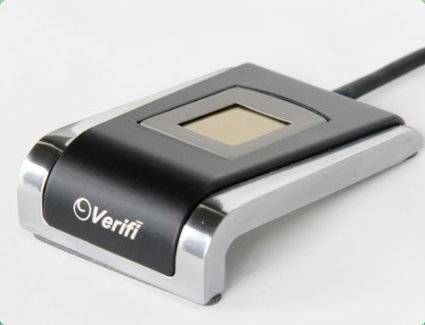
The first system is to create a local backup, most commonly on an external hard drive. There are a lot of choices, but I’m a fan of Seagate’s GoFlex line of external drives. They offer two versions: a network attached drive that connects to your wireless network ($130 at Amazon) which allows you to back up multiple computers to the same drive, or a USB attached drive which is intended for a single computer ( $90 at Amazon). Set up for both systems is as easy as running a software disk. Answer a few questions, select the files you want backed up, or select everything. The default selections are probably your best bet as it will keep your files backed up on a regular basis automatically. One handy feature is that you can restore entire backups, or select files. You can even choose versions of files, so if you spent two hours rewriting your paper on “Magical Birds of the Amazon,” and decided your third version was best, you’ll be able to restore it. Seagate’s software makes the daunting backup process quick and easy, so you’ll be on the road to peace of mind within minutes of unpacking your new drive.
The Cloud Backup
The second system is to create an off-site backup. If you’re as lazy as me (um, as busy as me…), this is the option for you. Crashplan works on both Windows and Apple computers. Choose to back up to another computer on your network, a friend’s computer, a local external drive, or to their servers. I recommend you use their servers for several reasons. First, it’s cheap. For a mere $3/month you can backup one computer, or for $6/month you can backup as many as 10 computers with unlimited storage. Second, it’s reliable.
Backing up your computer to another computer on the network or a friend’s computer has the same risks as backing up to an external drive – they will all eventually fail. Crashplan has redundant servers, so your data is backed up on multiple servers for safety. After running through their simple setup, access your files through the program installed on your computer or through their website.
Not sure if you’re protected from data loss disaster? Send me a note at www.callnerds.com/andrea for my list of most often neglected, but necessary, files to include in your backup.
Your life is on your computer – your work, your time, your memories. Don’t trust your photos, videos, or files to a hard drive that can fail.
Get 5TB of cloud-based storage that you can access whenever, wherever you need it for just $8/mo or 50% off your first year! Protect your stuff with IDrive here – or contact us and we’ll get it set up for you.

About The Author: Andrea Eldridge is CEO and co-founder of Nerds On Call, a computer repair company that specializes in on-site and online service for homes and businesses. Andrea is the writer of a weekly column, Nerd Chick Adventures in The Record Searchlight. She prepares TV segments for and appears regularly on CBS, CW and FOX on shows such as Good Day Sacramento, More Good Day Portland, and CBS 13 News, offering viewers technology and lifestyle tips. See Andrea in action at callnerds.com/andrea/.
Video Transcript
Hi. I’m Ryan from Nerds on Call. Today we’re going to talk about data backup basics. There’s certain things in life we should all do. Change our oil every 3000 miles, use different passwords for every website we go to, and, of course, backup our data. But not a lot of people know what to do when you say backup your data.
There’s three main methods of backing up your data. One, you can back it up to another computer. You can back it up to an external hard drive, or you can back it up to the Cloud. One of the easiest ways to backup your data is using an external hard drive. We really like Seagate because it comes with software for free. It will allow you to go through your system, choose the files you want backed up, and then keep them backed up automatically. The second system is to create an off-site backup. We really like CrashPlan.com for this. What you can do is you can create a backup to another computer on your network, your computer at work or a friends computer. The best part is it’s totally free.
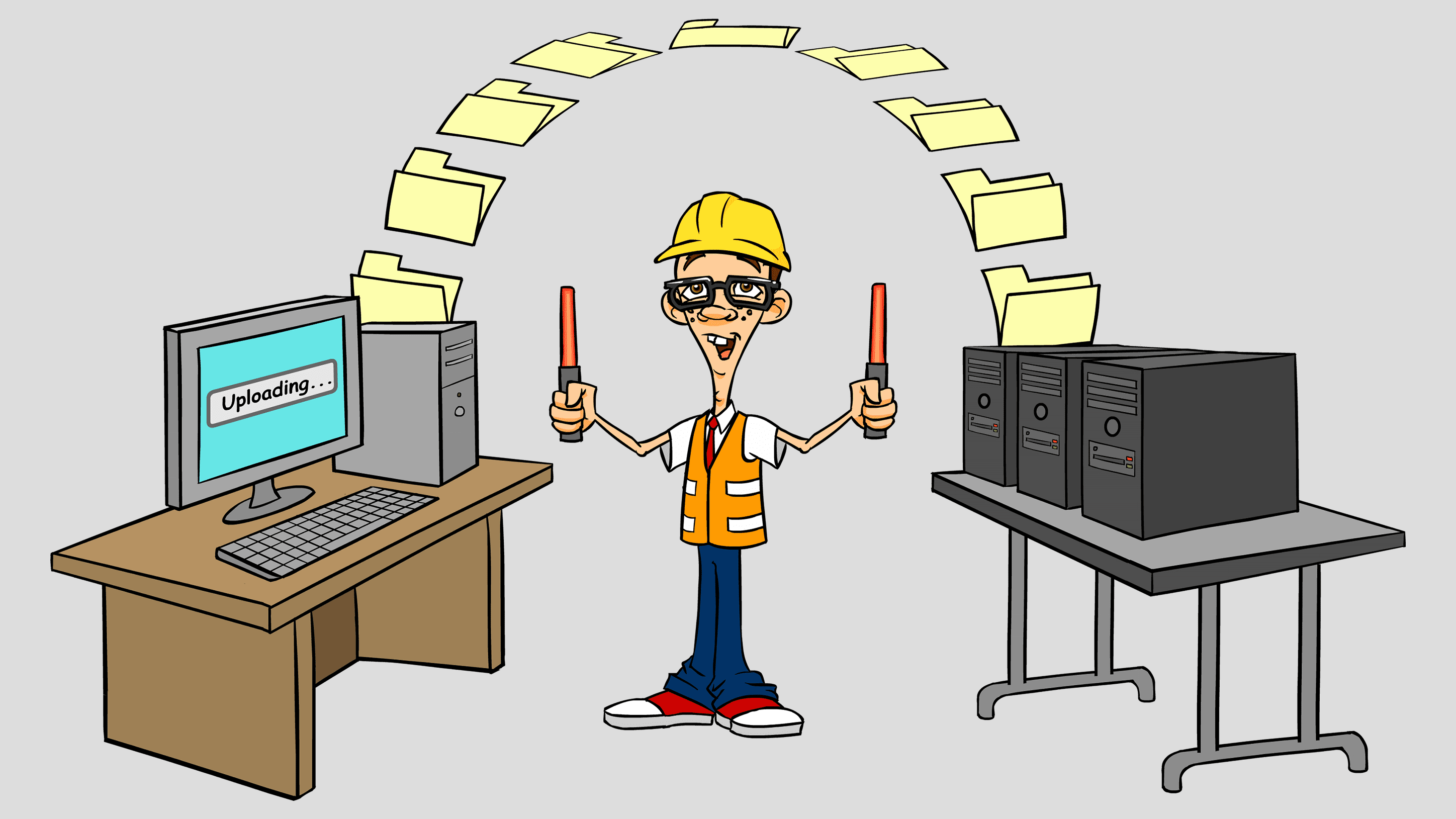
The last method that we would use to do backup is to backup to the Cloud. Now, when you say that, basically the Cloud is just a series of servers that are hosted by somebody else. They handle all of the backup and redundancy for you, so you don’t have to. Again, CrashPlan.com does a great job with this, and for most people it’s only about $3 to $6 a month.